
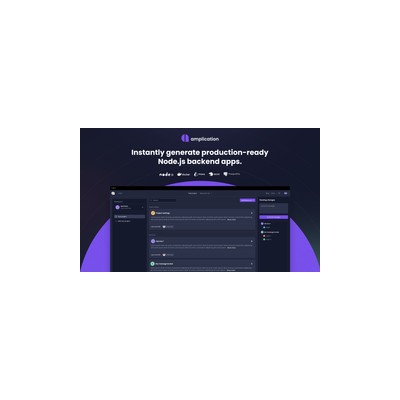
Getting Started Guide
How to Use Amplication
A practical guide to get you up and running with Amplication. Written by Delv Editorial, Delv Team.
Getting started with Amplication
In this guide, you will learn how to set up an account and create your first backend microservice using Amplication. By the end, you’ll be able to generate scalable backend solutions quickly and efficiently.Step 1: Sign up and set up
- Go to Amplication's website.
- Click on the "Get Started" button in the top right corner.
- You can sign up using your email or a GitHub account. Choose your preferred option and follow the prompts to create your account.
- Once signed in, you will be directed to the Amplication dashboard.
Step 2: Your first microservice
- On the dashboard, click on the “New Project” button.
- Enter a name for your project and select a template (e.g., Node.js or .NET).
- Click “Create Project”.
- In the project editor, click on “Models” in the left sidebar to define your data structure.
- Click on “Add Model” and enter the model name (e.g., "User"). Define the fields (e.g., "Name" as a String, "Email" as a String).
- After defining your models, click on the “Generate” button in the top right corner.
- Select your preferred options (e.g., authentication settings) and click “Generate Code”.
- Once the code is generated, you can download it directly to your machine.
Step 3: Get better results
- Explore the "Settings" tab to configure project settings such as database connections and environment variables.
- Use the “Documentation” link in the footer for detailed explanations of each feature.
- Regularly update your models and regenerate the code to keep your backend aligned with your project requirements.