
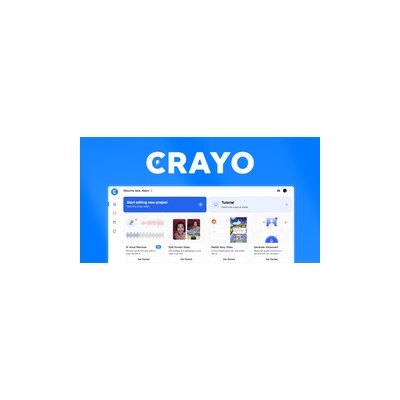
Getting Started Guide
How to Use Crayo AI
A practical guide to get you up and running with Crayo AI. Written by Delv Editorial, Delv Team.
Getting started with Crayo AI
With Crayo AI, you can create engaging short-form videos for TikTok, Reels, and Shorts in seconds. This guide will help you quickly set up your account and create your first video.Step 1: Sign up and set up
- Go to Crayo AI.
- Click on the Sign Up button in the top-right corner.
- Enter your email address and create a password, or sign up using Google or Facebook.
- Confirm your email address by clicking the link sent to your inbox.
- Log in to your account.
Step 2: Your first video
- Once logged in, click on the Create Video button on your dashboard.
- Choose a video format: TikTok, Instagram Reel, or YouTube Shorts.
- In the Script section, enter a topic or keyword for your video. The AI will generate a script based on this input.
- Review the generated script and make any edits if necessary.
- Select a Voiceover option, or let the AI choose for you.
- Click the Generate Video button. The AI will process your request and create a video.
- Once completed, you can preview the video. If satisfied, click Download to save it to your device.
Step 3: Get better results
- To enhance your videos, experiment with different scripts and voiceover styles. Use specific keywords for more tailored content.
- Adjust the Captions settings to ensure they are clear and easy to read. You can change font styles and sizes in the video editor.
- Use the Editing Tools to add effects or transitions. Explore the options available in the editing menu.