
Getting Started Guide
How to Use AgencyAnalytics
A practical guide to get you up and running with AgencyAnalytics. Written by Delv Editorial, Delv Team.
Getting started with AgencyAnalytics
After reading this guide, you'll be able to set up your AgencyAnalytics account and create your first marketing dashboard, pulling data from various platforms to streamline your reporting process.Step 1: Sign up and set up
- Visit AgencyAnalytics and click on the “Start Free Trial” button on the homepage.
- Fill in your details, including your name, email, and password, then click “Create Account.”
- Confirm your email address through the link sent to your inbox.
- Log in to your new account. You’ll be prompted to set up your first dashboard.
Step 2: Your first dashboard
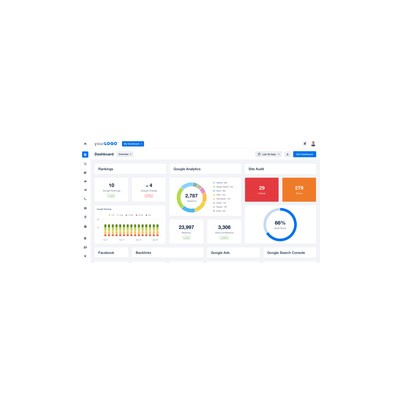
- After logging in, click on the “Dashboards” tab in the left-hand menu.
- Click on the “+ New Dashboard” button at the top right.
- Enter a name for your dashboard (e.g., "Client Overview") and click “Create Dashboard.”
- Now, click on “Add Widget” to start pulling in data.
- Choose the data source you want to integrate (e.g., Google Analytics, Facebook Ads). Follow the prompts to connect your accounts.
- Select the specific metrics you want to display (e.g., total website visits, ad spend) and click “Add Widget” to include them in your dashboard.
- Repeat this process for additional widgets to complete your dashboard.
Step 3: Get better results
- Explore the “Templates” section to find pre-built dashboard designs tailored for specific metrics or platforms.
- Use the “Reports” feature to automate the generation of your dashboard data into PDF or email formats. Click on the “Reports” tab and select “+ New Report.”
- Set a schedule for automatic report generation by clicking “Schedule” and choosing your frequency (daily, weekly, or monthly).