
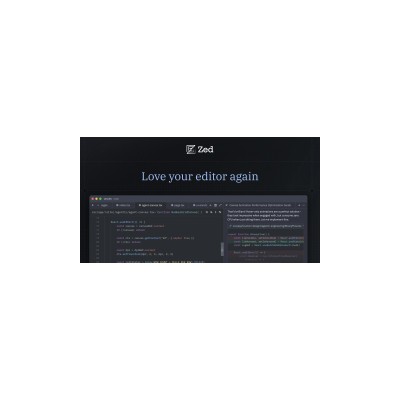
Getting Started Guide
How to Use Zed
A practical guide to get you up and running with Zed. Written by Delv Editorial, Delv Team.
Getting started with Zed
In this guide, you'll learn how to set up Zed, the high-performance code editor, and create your first coding project with the help of its AI assistant. By the end, you'll be ready to edit code efficiently and take advantage of Zed's unique features.Step 1: Sign up and set up
- Go to zed.dev.
- Click on the "Get Started" button on the homepage.
- Choose "Sign Up" to create a free account using your email address or sign in with a Google account.
- After signing up, you’ll be taken to the Zed dashboard. Here, you can create a new project by clicking on the "New Project" button.
Step 2: Your first project
- After clicking "New Project", enter a name for your project and select the programming language you want to use.
- Once the project is created, you will see the code editor interface. You can start typing your code directly into the text area.
- To activate the AI assistant, click on the "AI" button located in the sidebar. You can ask it for help with coding tasks, such as generating functions or debugging.
- Write a simple function or code snippet, and then click on the AI assistant to receive suggestions or improvements.
Step 3: Get better results
- To enhance your coding experience, explore the settings by clicking on the gear icon in the top right corner. Here, you can adjust themes, key bindings, and editor preferences.
- Use the "Collaboration" feature by clicking on the "Share" button to invite others to edit your project in real-time.
- Familiarise yourself with keyboard shortcuts for common actions like saving (Ctrl + S) or running code (Ctrl + R) to speed up your workflow.