
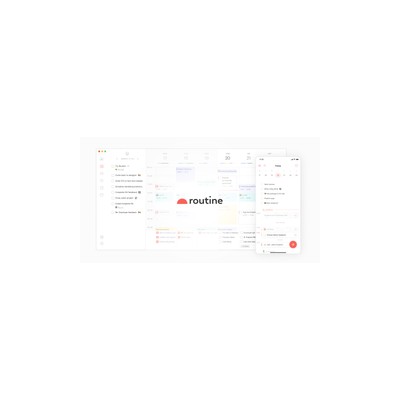
Getting Started Guide
How to Use Routine
A practical guide to get you up and running with Routine. Written by Delv Editorial, Delv Team.
Getting started with Routine
In this guide, you will learn how to set up Routine, an AI-powered daily planner that combines tasks, calendar events, and notes into one app. You’ll be ready to organise your day efficiently in under five minutes.Step 1: Sign up and set up
- Visit Routine's website.
- Click on the “Get Started” button on the homepage.
- Sign up using your email address or Google account.
- Once signed up, you will be prompted to set up your profile. Fill in the necessary details and click “Next” to proceed.
Step 2: Your first task
- On the dashboard, locate the “Tasks” section.
- Click on the “+ Add Task” button.
- Enter your task title and any details you wish to add.
- Set a due date by clicking on the calendar icon next to the task.
- To add the task to your calendar, click on the “Add to Calendar” option.
- Repeat this for any additional tasks you want to include for the day.
Step 3: Get better results
- Use the “AI Prioritisation” feature by clicking on the “Prioritise” button next to your tasks. This helps in automatically ranking your tasks based on deadlines and importance.
- To rearrange your tasks, simply drag and drop them into your preferred order.
- Make use of the “Notes” section to jot down important information related to your tasks. Click on “+ Add Note” to create a new note.
- Sync your calendar by clicking on the “Settings” gear icon, then choose “Integrations” to connect your Google Calendar or other calendar services.